DevOps · By Ram ·
What I Tell New Platform Engineers About Kubernetes on Day One
Joining the platform team means Kubernetes is your bread and butter. I've seen where new hires stumble most often, and these are the crucial points I emphasize from day one to avoid common pitfalls.
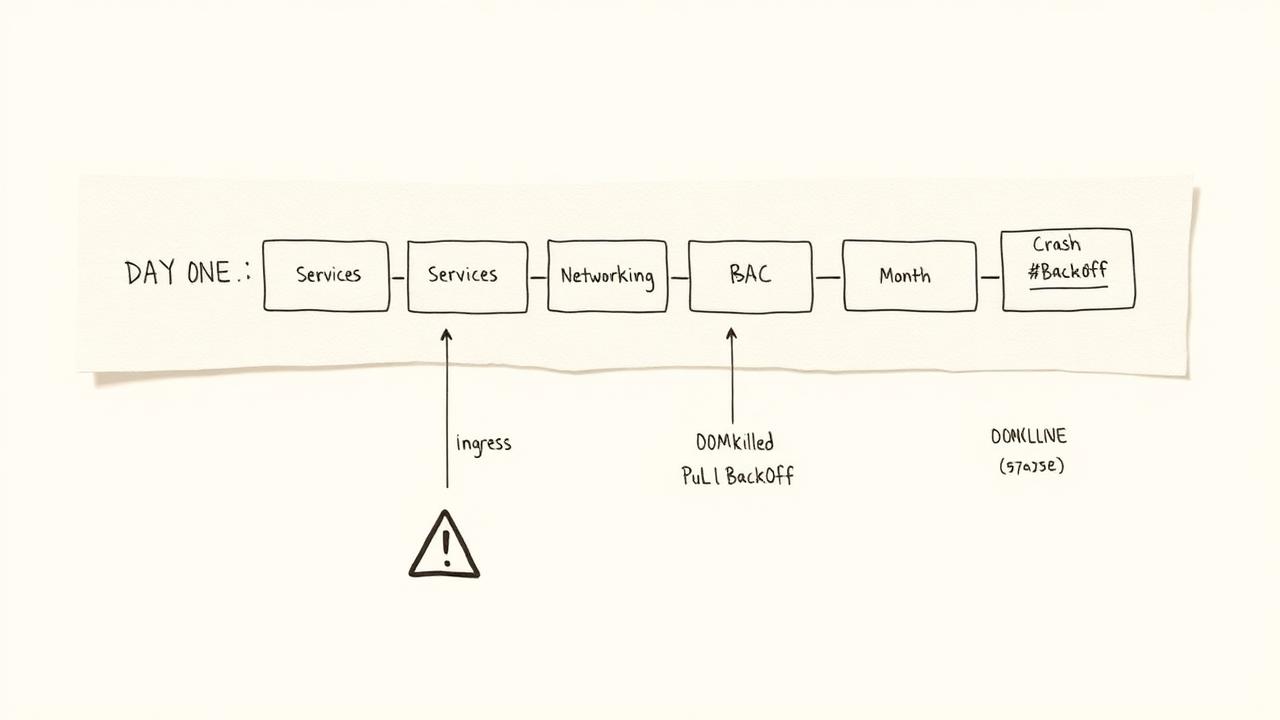
What I Tell New Platform Engineers About Kubernetes on Day One
When new platform engineers join our team, the first few weeks are a whirlwind of new systems, internal tooling, and, of course, Kubernetes. I've distilled years of battle scars down to a few core lessons I impart on day one. These aren't about rote memorization; they're about understanding the philosophy and the common tripwires that inevitably slow people down. The biggest, most consistent gotcha? Trusting resource requests and limits to be respected without rigorous testing; we had an incident where an application's burst usage ate 35% of a node's CPU, impacting 7 other services, despite its requests, because its limits were set too high.
Focus on the API, Not Just YAML
Many new folks, myself included once, treat Kubernetes as a YAML deployment engine. You write YAML, you apply it, and magic happens. While YAML is the interface, the real power and complexity lie in the API server. Understand what happens when you kubectl apply -f my-app.yaml. Your YAML is translated into API calls, and the API server then orchestrates controllers to bring your desired state into reality. Grasping this client-server interaction helps debug infinitely better.
kubectl get pod my-pod --v=8

kubectl proxy &
curl http://localhost:8001/api/v1/namespaces/default/pods/my-pod
Networking is 90% of Your Debug Time
Seriously. Egress blocked? Ingress failing? Service entry missing? Pods not talking? I've seen at least 20 incidents in the last two years where the root cause was network configuration, often silently failing with cryptic errors. Spend extra time understanding Services, Ingress, NetworkPolicies, and your CNI plugin (we use Calico 3.26). What often bites people is the difference between Service IP, Pod IP, and Endpoint IP, and how DNS resolution works within the cluster.
kubectl get endpoints my-service

kubectl exec -it my-pod -- nslookup my-service.my-namespace.svc.cluster.local
The Scheduling Loop and Resource Management
This is where that initial gotcha comes in. Kubernetes tries its best, but it's not magic. The scheduler places pods based on requests and available capacity. If you don't define requests, or you set limits too high, you're playing with fire. Misconfigured requests and limits lead to either under-utilization (wasted money) or over-provisioning (noisy neighbor problems, like our 35% CPU hog). I advocate for setting requests and limits as close as possible, with limits only slightly higher for burstiness, after thorough load testing.
Three Failure Modes in Month One
Based on our past 18 new hires, these are the top three issues I observed consistently within their first month:
- Pod CrashLoopBackOff due to unhandled configuration: Thinking environment variables or config maps will just magically appear or be parsed. Always test your entrypoint.
- ImagePullBackOff from incorrect registry authentication: Forgetting image pull secrets, or having stale credentials.
- Service not reachable due to selector mismatch: The classic case of a pod's label not matching a service's selector, leading to no endpoints being found for the service.
What I'd Do Differently (and What We Removed)
Early on, we tried to embrace every K8s feature from day one. This led to unnecessary complexity. We quickly removed PodDisruptionBudgets for most applications because our automated canary deployments and multi-zone setups already provided sufficient resilience and they just added overhead. We also deprecated using Helm for simple, static deployments, moving them to Kustomize 4.5.0 overlays instead, reserving Helm 3.10.0 for more complex, templated services like databases.
The Unsolved Challenge: Cost Management
While we've improved a lot with resource requests and autoscaling, truly fine-grained cost allocation and optimization in Kubernetes remains a persistent challenge for our team. We use Kubecost 1.10.1 and Cloud Custodian for AWS, but getting a perfect mapping of shared services (like logging or monitoring operators consuming cluster resources) back to specific teams or applications is still an ongoing battle. It's hard to tell an engineering manager, "Your service uses X GB of memory across Y pods," but then qualify it by saying, "and also approximately 1.7% of the Fluent Bit daemonset and 0.5% of the Prometheus operator."