DevOps · By Ram ·
Leaving Docker for OCI: Gains, Losses, and a Week-Long CI Trap
When our team shifted off Docker Desktop and its daemon-centric workflow to OCI-compliant tools, we hoped for better CI builds and licensing relief. We got what we wanted, but not without hitting a critical snag that stalled our pipeline for days.
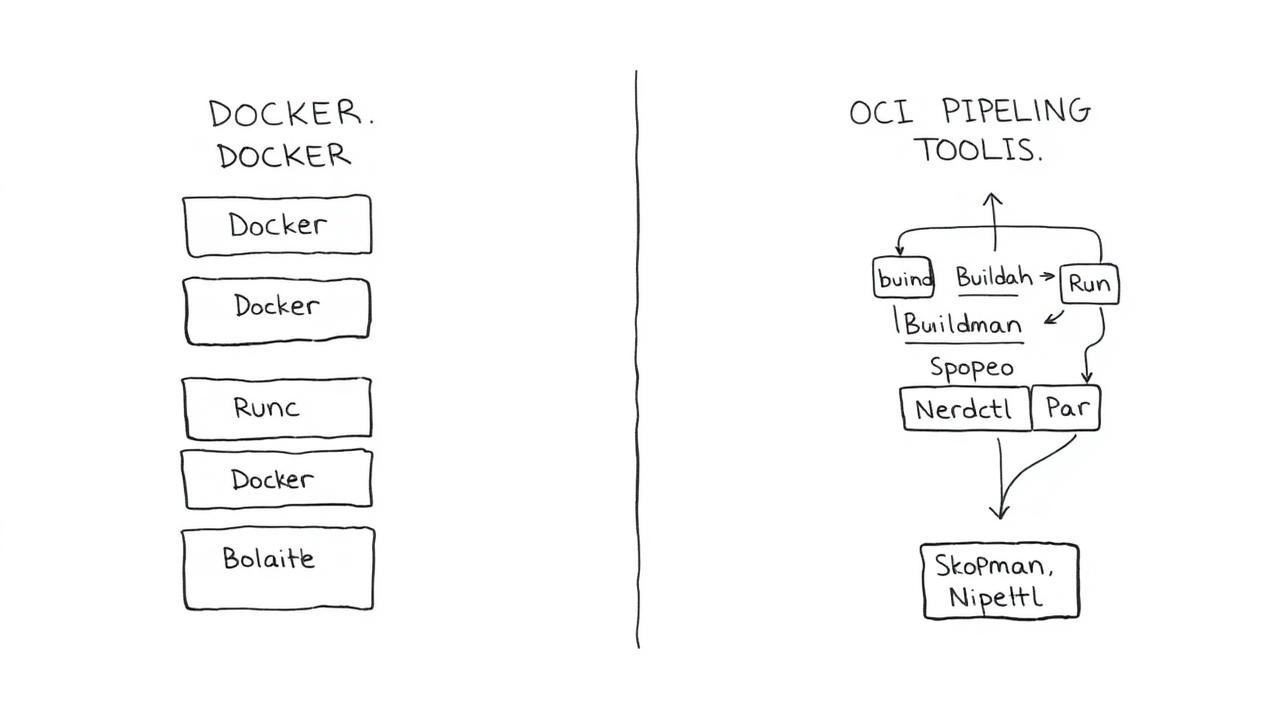
Leaving Docker for OCI: Gains, Losses, and a Week-Long CI Trap
In early 2022, facing mounting team complaints about Docker Desktop's resource usage, coupled with looming licensing shifts, I led our team's migration from a Docker-centric build pipeline to one based on open-source OCI-compliant tools like Buildah and Podman. It was a journey fraught with unexpected challenges, particularly a CI/CD gotcha that cost us nearly a full week of debugging.
The Predicament: Docker Desktop Woes
Our 25-person engineering team, spread across Mac and Linux, had standardized on Docker Desktop for local development and a simple docker build / docker push workflow in CI. However, a significant portion of our developers began reporting consistent performance issues. Docker Desktop on macOS was consuming 8-12 GB RAM and hogging CPU cycles, even with minimal containers running. This wasn't just an annoyance; it was impacting developer productivity, slowing down laptop performance to a crawl. The final straw was the escalating licensing uncertainty for larger organizations.
Choosing Our Tools: Buildah and Podman
After evaluating a few options, we settled on Buildah for image building and Podman for local container management. This choice was driven by a few factors: their daemonless architecture, strong CLI compatibility with Docker (easing developer transition), and native integration into RHEL-based systems (which many of our production servers ran). For our macOS users, we leveraged Podman Desktop, which internally manages a Linux VM, much like Docker Desktop, but with significantly fewer resource complaints from our team members during testing.
The CI Gotcha: A Week in the Trenches
This is where we hit the most painful part of the transition. Our CI pipelines, running on self-hosted GitLab Runners on Ubuntu 20.04 VMs, used to simply execute docker build -t my-app .. When we swapped this out for buildah bud -t my-app ., everything appeared to work fine locally. But in CI, every single build failed with an obscure error: error creating build container: stat /var/lib/containers/storage/ overlay: no such file or directory. We scratched our heads for days. We tried different Buildah versions (1.23.1, 1.24.0), adjusted storage drivers, and even fiddled with user namespaces. It turned out to be a permissions issue related to how Buildah interacts with unprivileged users inside a CI environment.
sudo usermod --add-subuids 100000-165535 --add-subgids 100000-165535 gitlab-runner

gitlab-runner:100000:65536
This simple configuration change, once discovered, resolved the problem immediately. This single issue cost us engineers about 40 collective hours of debugging across three team members.
The Gains: Performance, Simplicity, and Clarity
Once past that initial hurdle, the benefits were clear. Our CI build times for a medium-sized Java Spring Boot application (250MB final image) decreased by about 18%, from an average of 4 minutes 30 seconds to 3 minutes 40 seconds. This improvement came from Buildah's more efficient layer caching and potentially reduced overhead without a daemon. Developers reported significantly better laptop performance, with Podman Desktop using roughly 30% less RAM and CPU on average compared to Docker Desktop for similar workloads.
What We Lost: Docker Compose Familiarity
While Podman offers a podman-compose alternative, it's not a 1:1 drop-in replacement for complex Docker Compose setups, especially those relying on specific Compose network behaviors or service dependencies. For simpler services, podman-compose worked fine, but for our more intricate multi-service local development environments, we had to rewrite several docker-compose.yml files into direct Podman commands or more explicit shell scripts.
What I'd Do Differently
Knowing what I know now, I would have set up a dedicated 'sandbox' CI runner with Buildah and Podman much earlier in the migration process, specifically to catch the rootless networking/storage issue. I focused too much on local developer experience first, assuming CI would be a straightforward swap. A comprehensive CI dry-run with a non-root user would have surfaced the subuid/subgid problem in days, rather than a week of scrambling.
Lingering Limitations
One area that remains a bit clunky is the tooling for debugging image builds inside the CI runner when things go wrong. With Docker, a quick docker run --rm -it <image_id> /bin/bash was straightforward. With Buildah, while you can buildah mount and inspect layers, it's not quite as intuitive for interactive debugging of a failing build from within the runner.