Installations · By Ram ·
Bare-Metal K8s with kubeadm: The Post-Install Reality on 7 Nodes
Setting up a 7-node bare-metal Kubernetes cluster with kubeadm brought unexpected challenges, from CNI choices to etcd I/O, and the critical post-install steps often neglected in guides.
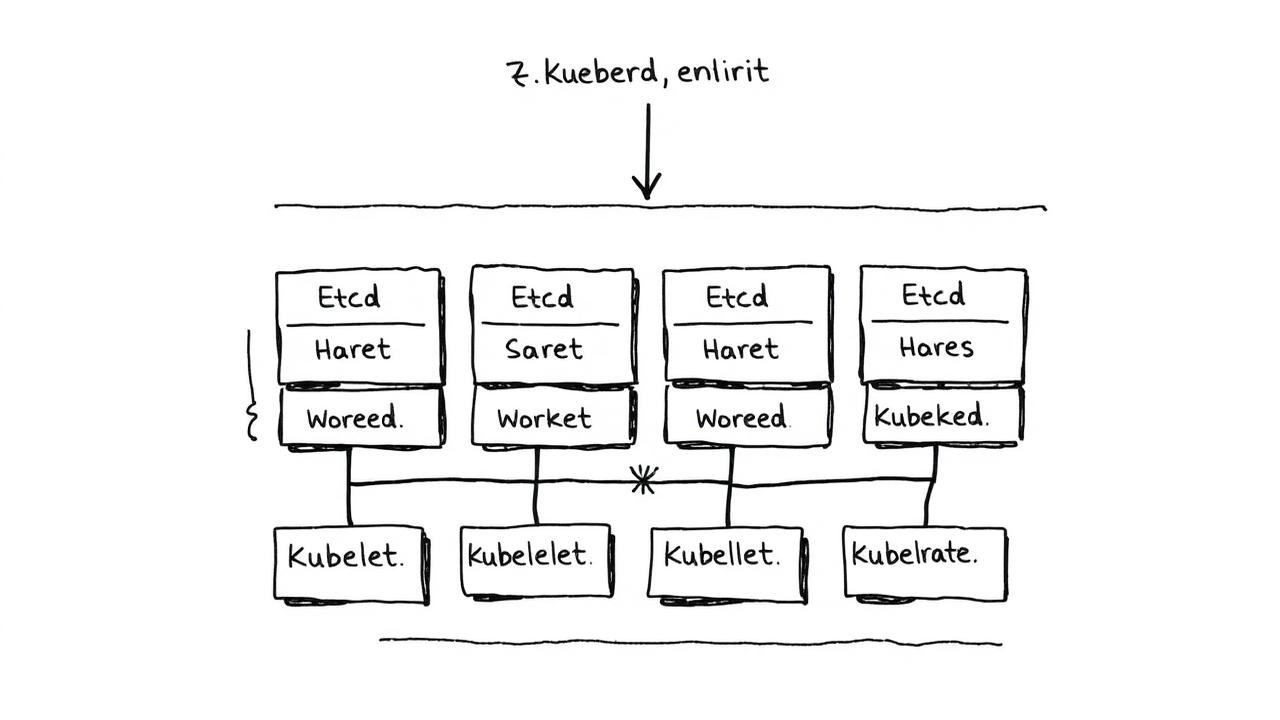
Bare-Metal K8s with kubeadm: The Post-Install Reality on 7 Nodes
When we decided to escape the cloud and deploy a 7-node Kubernetes cluster on our own hardware using kubeadm, I anticipated some bumps. What I didn't foresee was how many critical post-installation steps and hidden configurations would be required just to make it production-ready. The big gotcha? The silent kubelet/systemd-cgroup mismatch that bit us badly in week three, causing workload instability nobody could explain initially.
The Hardware Foundation: 7 Nodes, Mixed Spec
Our cluster comprised 7 physical machines. Three were beefy dual-socket Xeon E3-1505M v5 servers, each with 64GB RAM and 2x 1TB NVMe drives, designated as control plane nodes. The remaining four were older Xeon E-2176G machines with 32GB RAM and 2x 500GB SSDs, serving as worker nodes. All ran Ubuntu Server 20.04.5 LTS. This mix of hardware, while cost-effective, introduced some interesting performance variances later on.
Initial kubeadm Setup and the CNI Maze
The kubeadm init process itself was straightforward on the first control plane node. We used Kubernetes 1.25.4. The immediate challenge was selecting a CNI plugin. We initially went with Calico 3.24, deploying it with its default manifest. However, we quickly hit an issue with IP-in-IP encapsulation mode causing high CPU usage on our 1GbE network interfaces, especially during bursty traffic. After a week of troubleshooting, we switched to Calico configured for BGP peering with the underlying network fabric, disabling IP-in-IP and reducing network overhead significantly.
apiVersion: operator.tigera.io/v1
kind: Installation
metadata:
  name: default
spec:
  calicoNetwork:
    ipPools:
      - cidr: 10.42.0.0/16
        encapsulation: None
        natOutgoing: Enabled
        nodeSelector: all()
The kubelet/systemd-cgroup Mismatch that Bit Us
This was the silent killer. After about three weeks, we started seeing intermittent pod evictions and resource starvation warnings, seemingly at random. Debugging logs showed kubelet complaining about CGroup driver mismatches. It turned out that kubeadm, by default, often configures kubelet to use the cgroupfs driver, while Ubuntu 20.04's containerd and systemd default to systemd for cgroup management. We had to edit /etc/default/kubelet on all nodes to explicitly set the cgroup driver to systemd.
KUBELET_EXTRA_ARGS="--cgroup-driver=systemd"

systemctl daemon-reload
systemctl restart kubelet
etcd Disk I/O Surprises and Monitoring
With three control plane nodes, etcd health was paramount. We quickly realized the default etcd setup was hammering the primary NVMe drives on our control plane nodes. Our initial monitoring showed write latencies spiking to 200ms at peak times. We discovered that the default etcd volume was sharing an NVMe drive with the OS and other logging. To fix this, we stopped etcd, moved its data directory to the dedicated NVMe partition (/var/lib/etcd-data), and updated the etcd static pod manifests to point to the new location. Proper monitoring with Prometheus and Grafana alerts for etcd leader changes and high sync durations became crucial.
Post-Install Essentials: Storage, Load Balancing, and DNS
After the core cluster was stable, the real work began. For persistent storage, we implemented Rook-Ceph 1.9, deploying it onto the remaining SSDs and NVMe drives on our worker nodes. We also configured MetalLB 0.13 in Layer 2 mode for external load balancing, allocating a /28 IP range from our datacenter block. Lastly, we integrated CoreDNS with our internal DNS servers, forwarding requests for specific internal zones, rather than relying solely on kube-dns for everything.
What I'd Do Differently
If I were to do this again, I would prioritize standardizing the hardware more rigorously. The mixed-spec control plane and worker nodes, while saving money, added unnecessary troubleshooting variables. More importantly, I'd bake the kubelet cgroup driver configuration directly into our Ansible playbooks from day one, rather than discovering it the hard way. Finally, a dedicated, separate disk for etcd data should be an absolute requirement in the pre-install checklist, not a post-facto fix.
Honest Limitations
Even with these fixes, scaling storage remains an ongoing challenge. While Rook-Ceph is robust, managing its capacity and rebalancing across 7 diverse nodes under varying I/O loads still requires manual intervention and careful planning. Our disaster recovery strategy, while tested, still involves more manual steps than I'm comfortable with for a truly seamless recovery.